What is a VPN server?
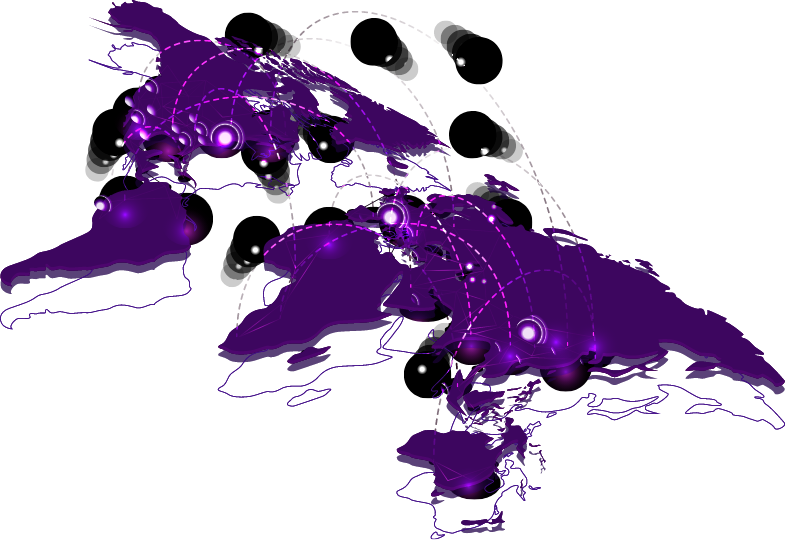
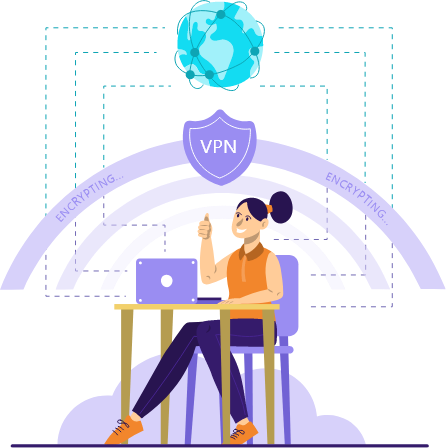
A VPN server encrypts your internet connection, making it secure and private. It masks your IP address, preventing third parties from tracking your online activities. These servers are a distinctive blend of hardware and exclusive software, tailored for particular functions like handling P2P traffic or enabling Tor access.
The infrastructure of VPN servers plays a crucial role in safeguarding your online security, privacy, and convenience. For instance, servers situated near your physical location typically ensure optimal connection speeds.
Expand Your Security: Request Your Ideal VPN Location Today!

Get Started: Easy Download Steps
Download and install the Ekomade app from your device's app store.
Open the app and sign in or create an account if prompted.
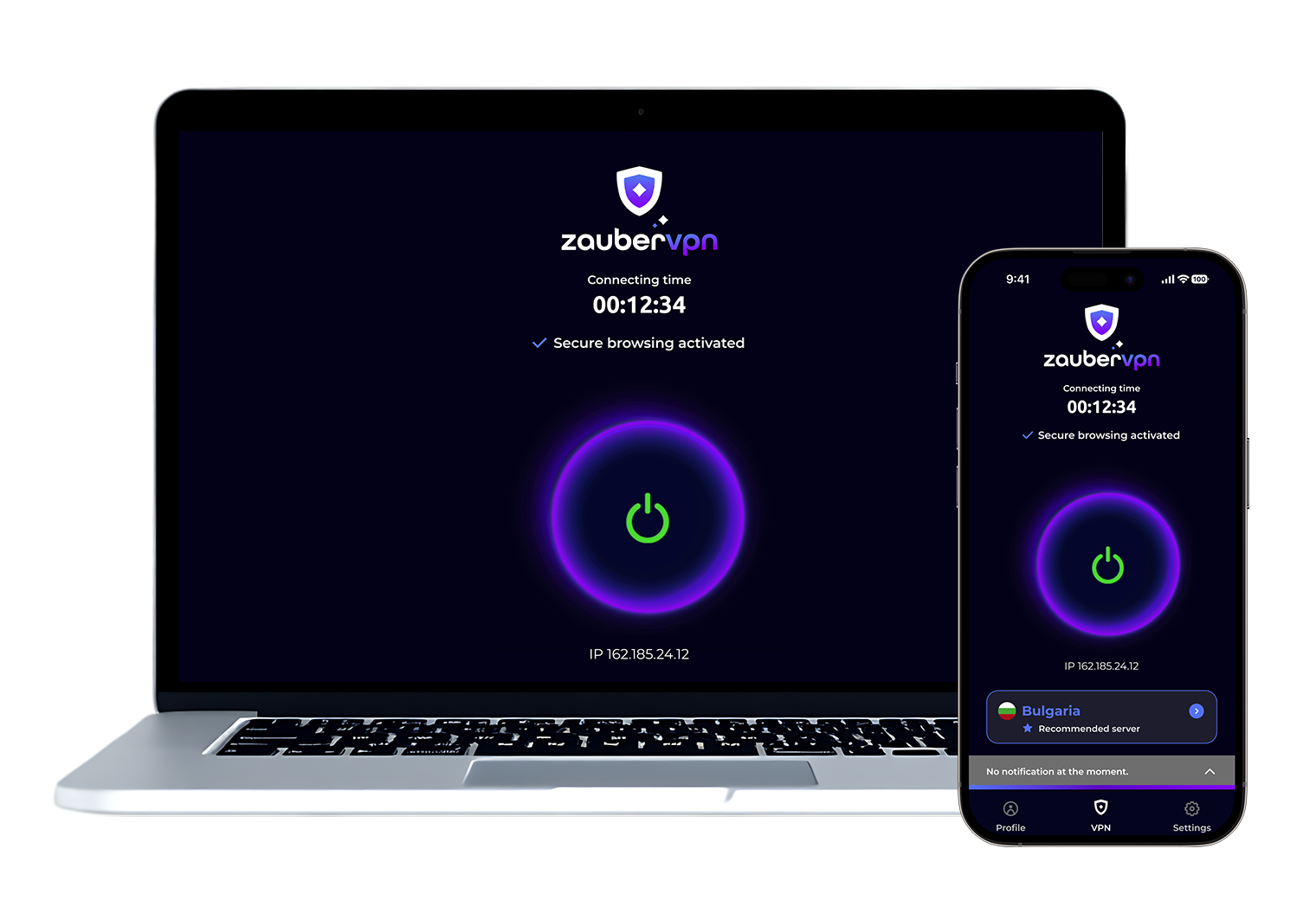
Once logged in, you'll typically see a list of server locations. Choose the server location you want to connect to.
Click or tap on the "Connect" button to establish a VPN connection.
Once connected, your device's internet traffic will be encrypted and routed through the selected server.
To disconnect from the VPN, simply click or tap on the "Disconnect" button within the app.
You can often customize settings within the app, such as choosing specific servers, enabling features like split tunneling or kill switch, and more, depending on the capabilities of the VPN service.